Generating captions & B-roll...
Private beta
One long video in.
A month of clips out.
VDOS finds the moments worth posting in your long-form video, cuts them vertical and captions them — for TikTok, Reels and Shorts.
One email when it opens. Nothing else, ever.
Want to look around first?Open the live demo
How it works
01 Drop in the long one
A podcast, a talk, a stream, a devlog — the recording you never got round to clipping.
02 VDOS finds the moments
It transcribes the whole thing, then picks the parts that actually hold attention.
03 You get posts, not footage
Vertical, captioned, titled, scored — and editable before anything goes out.
What comes out
Finished vertical clips, each with a title, a caption, a transcript and a score — sitting in an editor you can actually argue with.
- Predicted performance score: 94 out of 100 — high potential
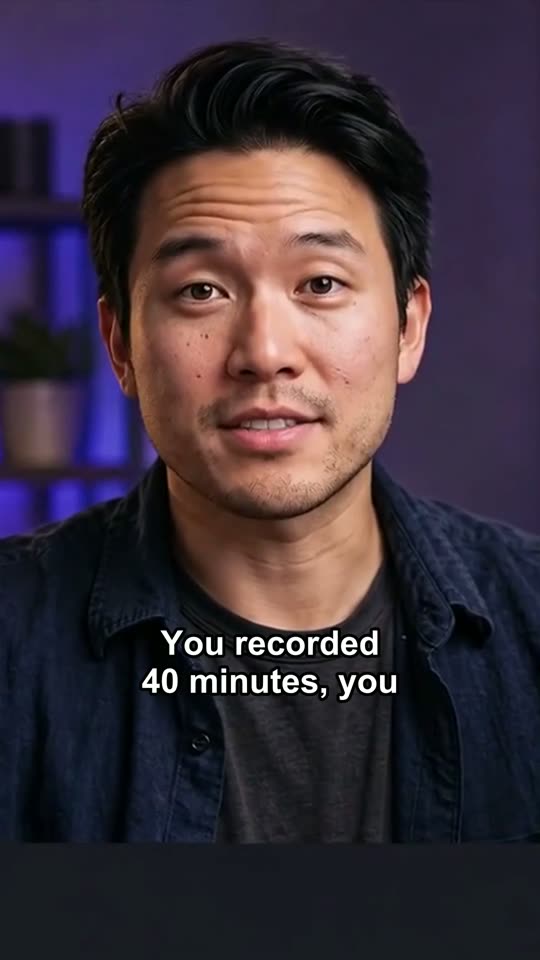
You recorded 40 minutes. You posted nothing.
00:16from SaaS Marketing Masterclass
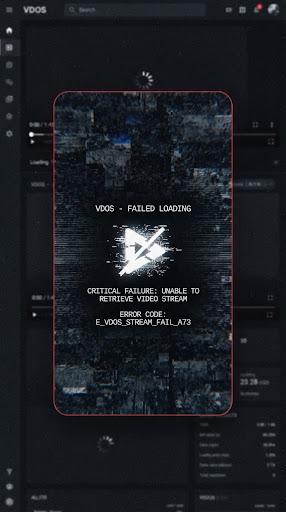
Transcript failed
- Predicted performance score: Score: 78
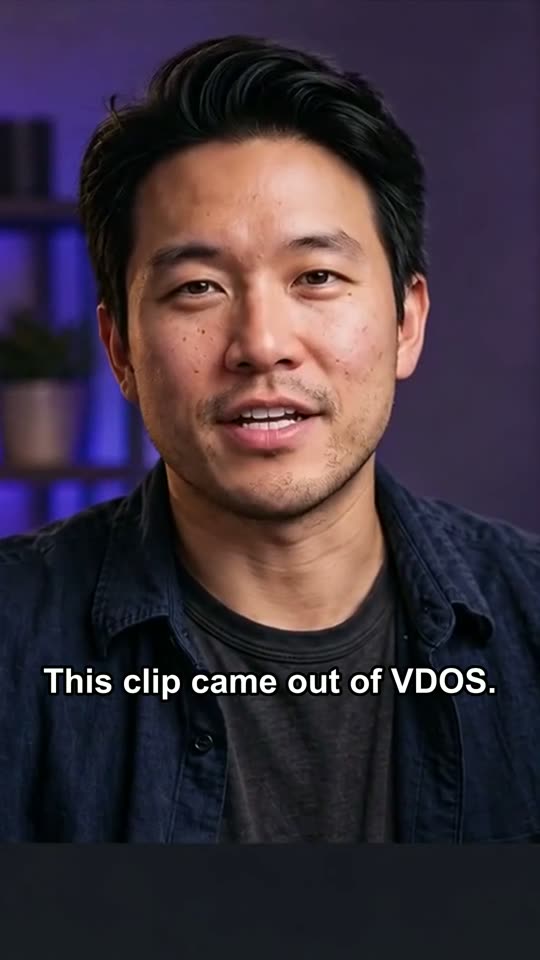
This clip came out of VDOS
00:13from DevLog #04: Building the new UI
- A score before you post
- Every clip gets a predicted performance score and the reason behind it, so you know which three to post first.
- Captions that match the cut
- Word-timed captions burned in and editable on the timeline — the part that decides whether people watch with sound off.
- An editor, not a black box
- Silence trims, caption rewrites and hook suggestions arrive as proposals. You approve them, frame by frame.
Where VDOS is right now
VDOS is in private beta. The demo is real software running on sample footage — the editor, the timeline, the captions and the scoring screens all work, and nothing needs an account. Behind it, the pipeline that transcribes a recording and cuts captioned vertical clips already runs on our own machines; picking the best moments and scoring them is what we are building now. Beta places go to the waitlist first.
A two-minute tour of the demo
- 01Open a finished clip
Press Space to play. Watch the captions land on the word, drag the playhead, zoom the timeline, read why it scored what it did.
- 02Walk the create flow
Pick any video of yours, choose platforms, length and tone, and see what VDOS would produce from it.
- 03See the dashboard
Projects, clips ready to post, clips still processing — the view you would work from every week.
Nothing you do in the demo is uploaded or saved. A file you pick in the create flow stays on your device — it is only read for its length.